CLAM Teams
What is It ?
A team in GLiCID’s terminology is a way for you to share data to other people. If you are familiar with Linux, teams are just a Unix group, nothing else.
| It does NOT allow you to launch jobs. If you need to run jobs, you need to create a project. |
| A Team does not have a lifetime, as opposed to projects |
How can I access It ?
Once created and validated, a team gives you access to storage spaces for you to share data between members of it :
-
/scratch/waves/teams/<team_name> -
/scratch/nautilus/teams/<team_name> -
/LAB-DATA/GLiCID/teams/<team_name>
What can I do with It ?
The main thing to do with teams are just sharing some data, some software that you want to host, or specific software licences.
How can I create/join one ?
-
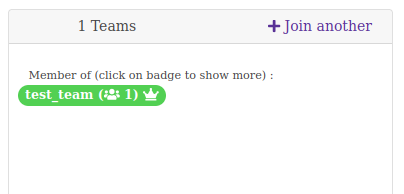
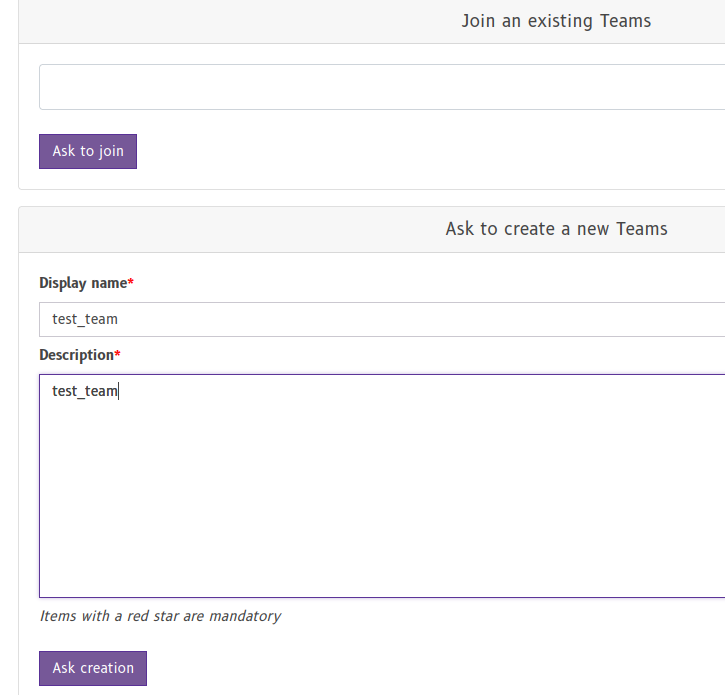
Go to your CLAM account profile, and click on Join another above the team section
-
If the team is not in the list, ask to create one
-
The team is awaiting approval by a GLiCID administrator and will only be usable after validation.

-
Once the team is activated, you can see it in green in your profile page.